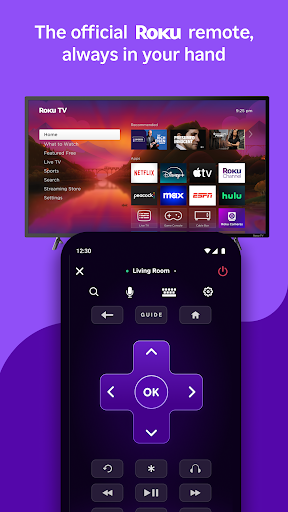
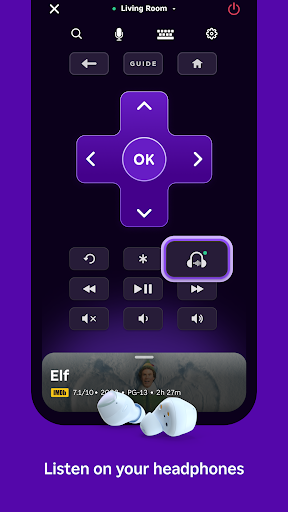
Replacing a lost hardware controller or avoiding clunky on-screen text entry becomes straightforward with Roku Remote. The mobile app serves as a software controller for Roku streaming players and Roku TV models, allowing you to navigate menus, launch channels, and cast personal media straight to the television. Crucially, it routes TV audio directly through your mobile device for private headphone listening, letting you stream content without disturbing others in the room.
Navigation and Text Input
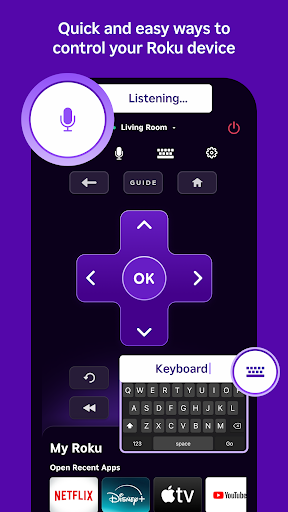
The application replicates the physical buttons found on standard hardware remotes, handling standard playback controls and system navigation. Instead of manually scrolling across an on-screen letter grid to enter search terms, Wi-Fi passwords, or login credentials, you can use your phone’s built-in keyboard. Voice search is also integrated, allowing you to speak queries to locate titles and channels quickly.
Media Casting and Channel Management
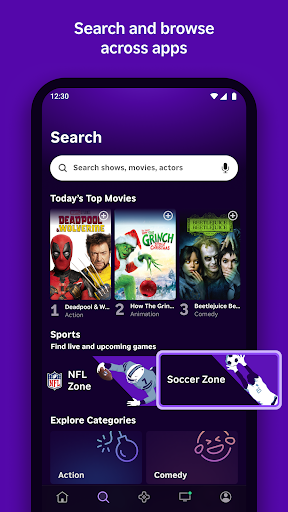
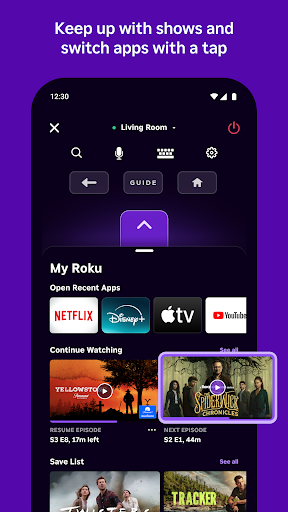
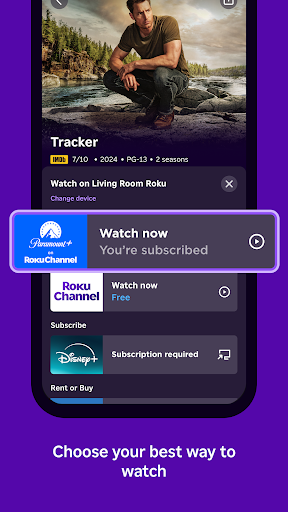
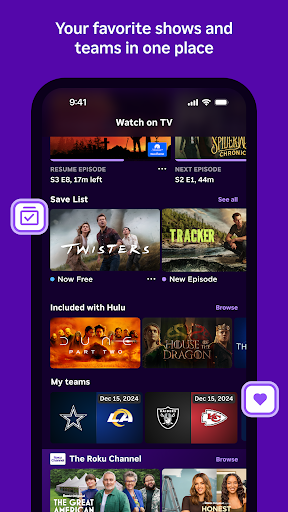
Beyond basic input controls, the software functions as a hub for managing and displaying content. You can cast personal photos and videos stored on your phone directly to the television screen, or browse, install, and open streaming channels. In supported regions, the app also provides direct mobile playback for movies and live programming through The Roku Channel.
Technical Requirements and Regional Limits
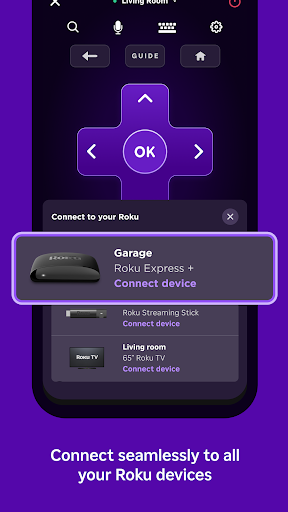
To communicate with your Roku TV or streaming player, your phone or tablet must connect to the exact same wireless network as the hardware. Certain capabilities also require signing into a Roku account and having a compatible hardware model. Furthermore, specific tools have geographic constraints: voice search functions solely in English across the US, UK, and Canada, as well as in Spanish across the US and Mexico, while mobile streaming on The Roku Channel is restricted to the US and Mexico. Individual streaming channels may also vary by country or demand separate payment.



 JBL Portable
 YouTube TV
 Color Pop - Fun Coloring Games
 Prime Video
 Runway: AI Image & Video
 Ghost Detector Pro Radar